To get certain photos to appear on the Structure Summary you need to set a folder to do this.
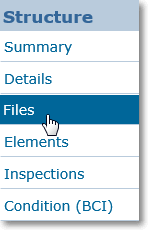
Click on
Files in the
Structure Menu to browse the structure's folders and file.
In most cases, the folder named Structure Summary Photographs will be set as the folder used for this. If so you can upload photos to this folder to have them appear on the summary.
If you need to pick an alternative folder for this, Click on the folder you need, then click the Display Images on Summary button.
Once a folder has been selected as the Summary photo folder, the icon will update to show that the folder is in use.

Article ID: 268, Created: 2/1/2017 at 12:17 PM, Modified: 6/19/2026 at 9:42 AM